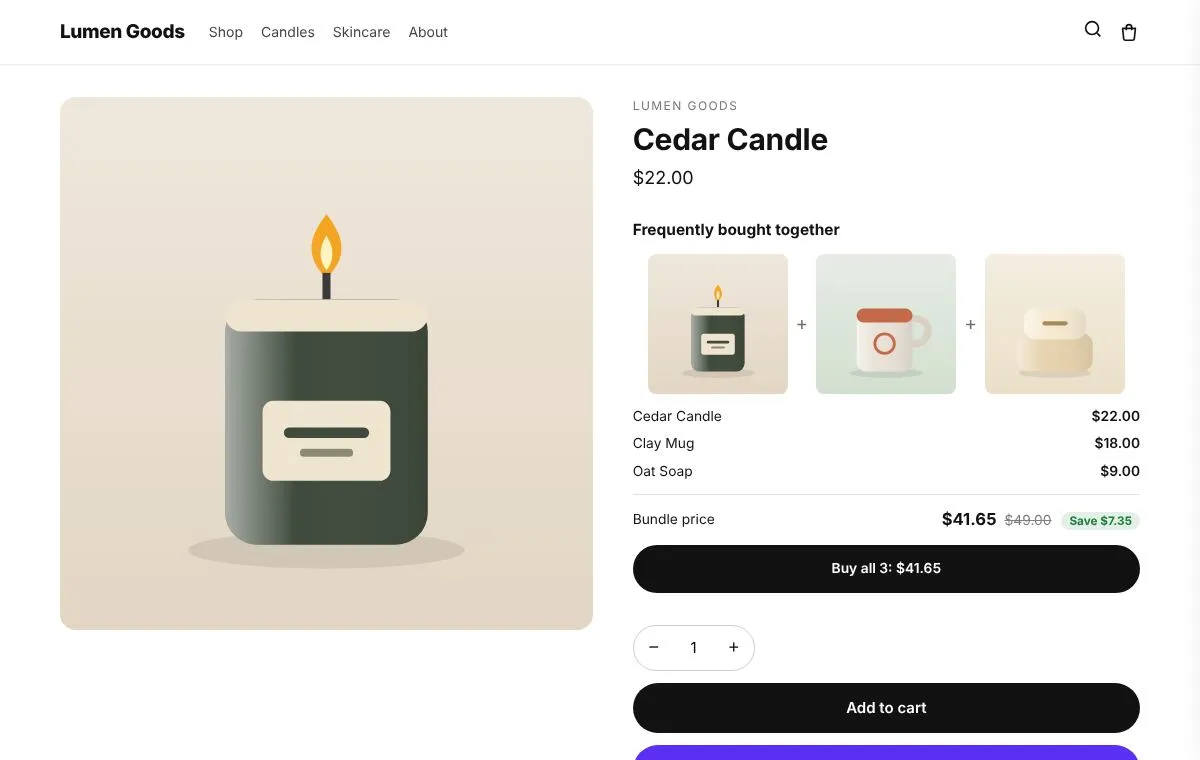
Frequently bought together
Evening ritual set
15% off together
Cedar Candle, Clay Mug, Oat Soap
From a simple frequently bought together box to a build your own box with growing discounts. Pick what you want to sell; the app opens the right editor with a live preview of your real products.
A set of items shown on each item's page, with a discount when they're bought together.
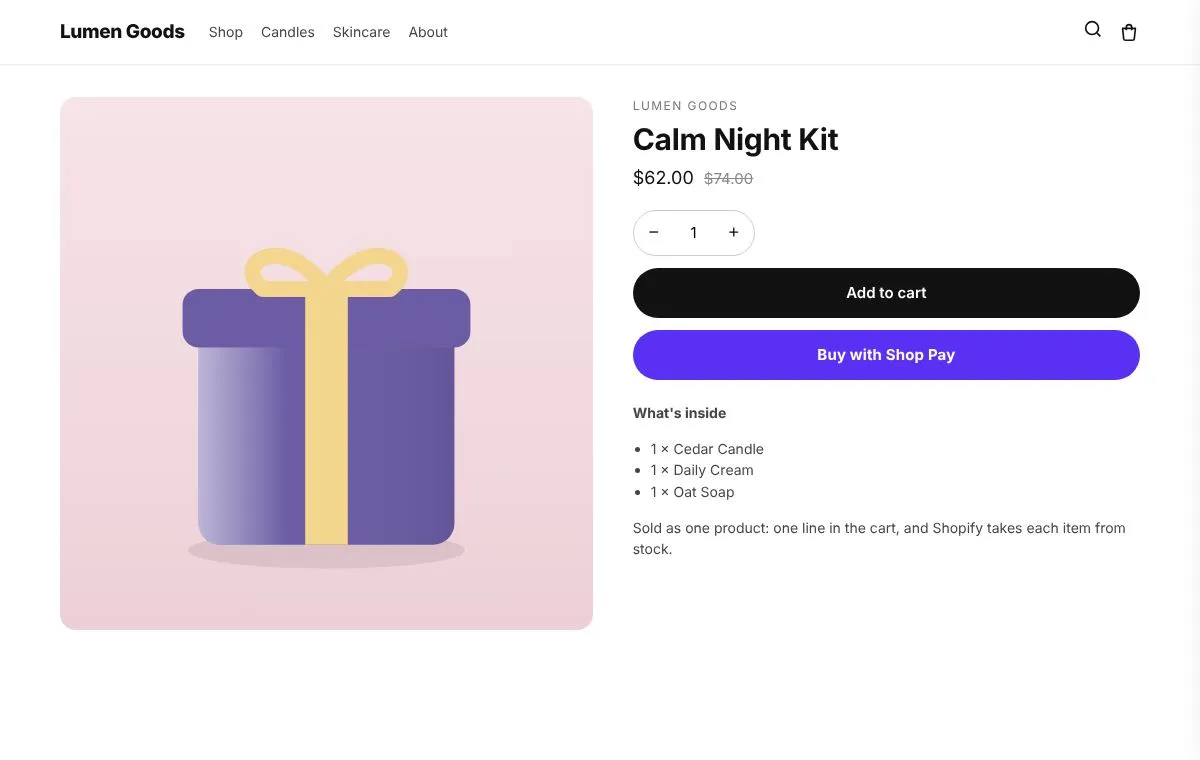
A ready made set with its own page, picture and price; the cart shows it as one line.
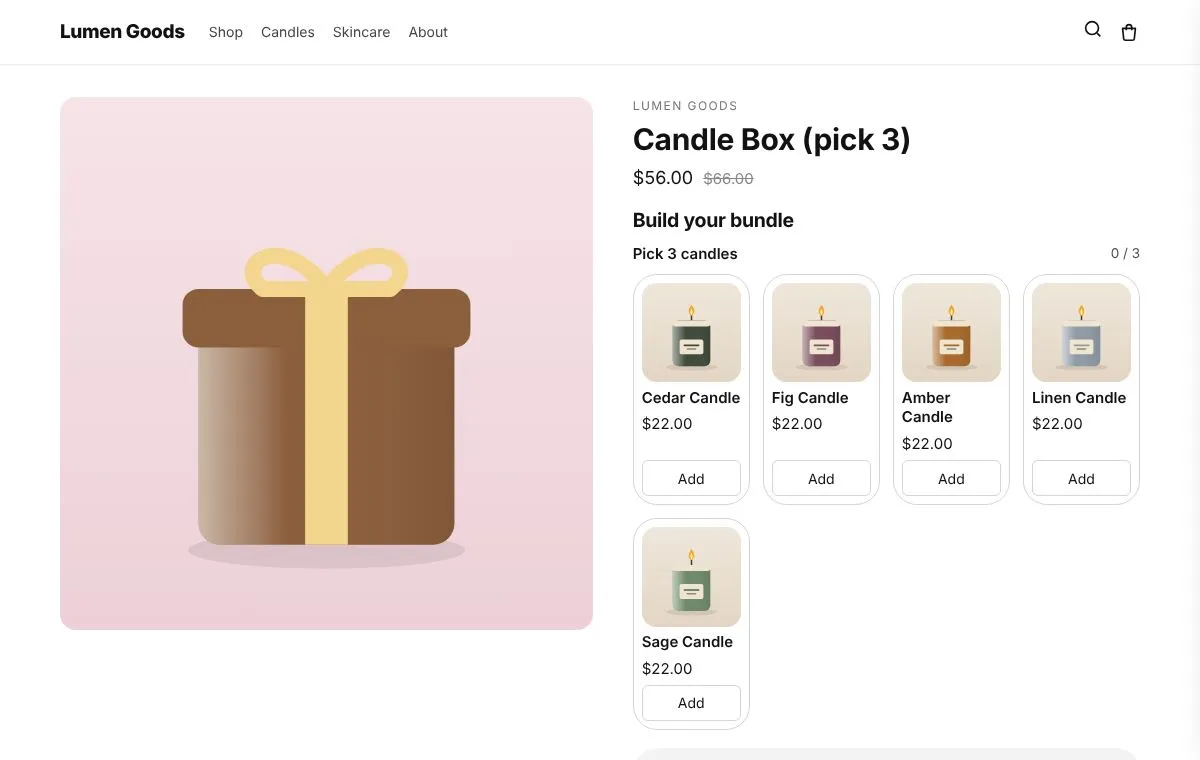
Shoppers pick items from a collection on the box's own page, for one price.
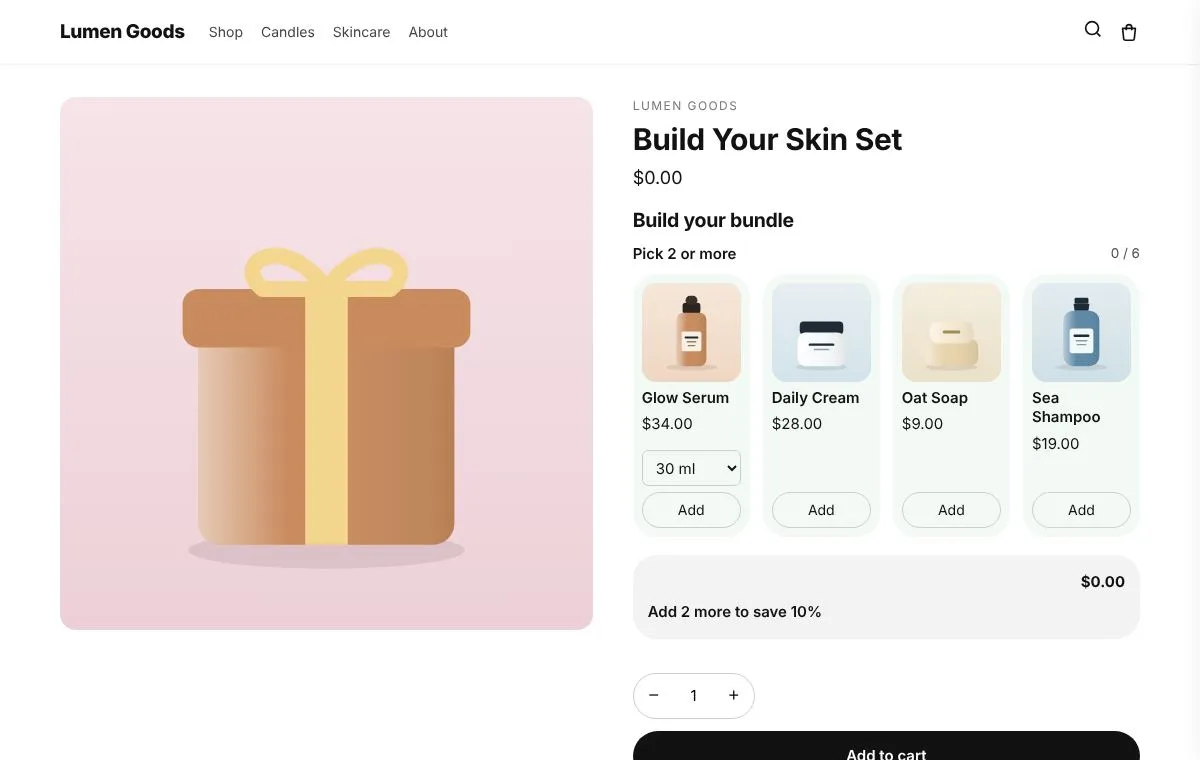
The more items shoppers add, the bigger the discount (2 items 10% off, 3 items 15%…).
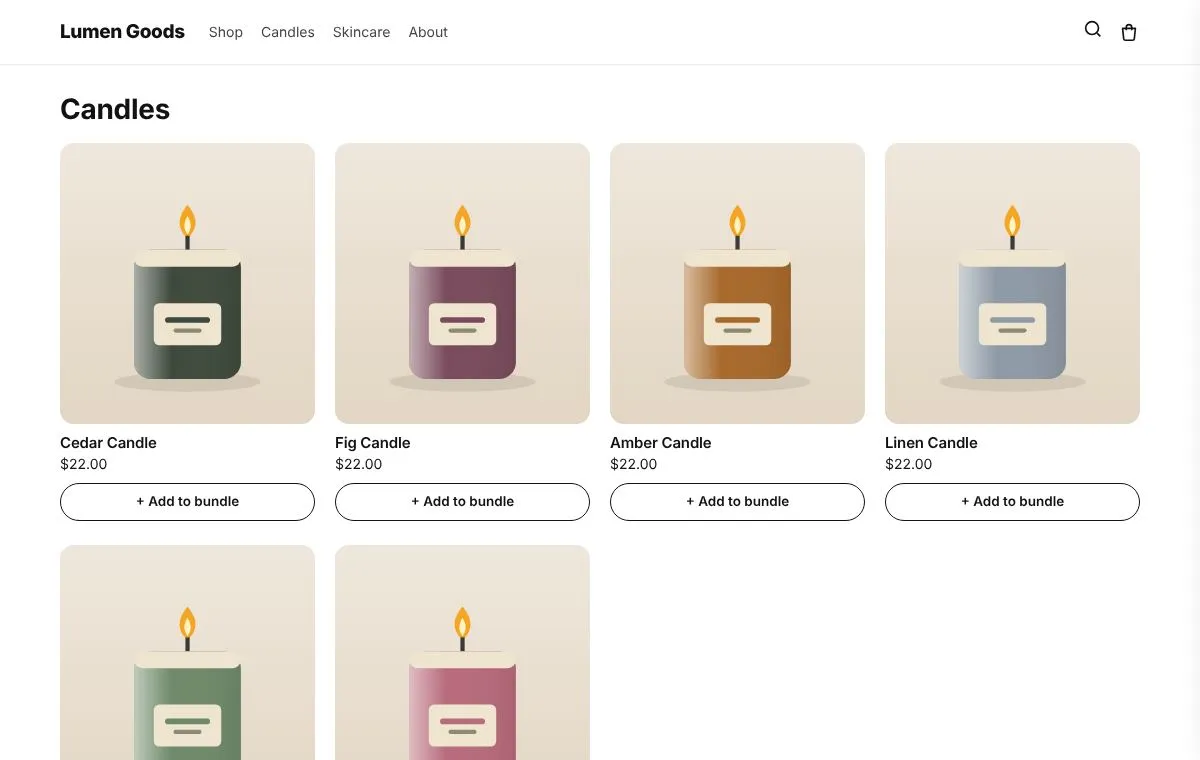
Shoppers add items to their bundle from collection pages while a tray follows them.
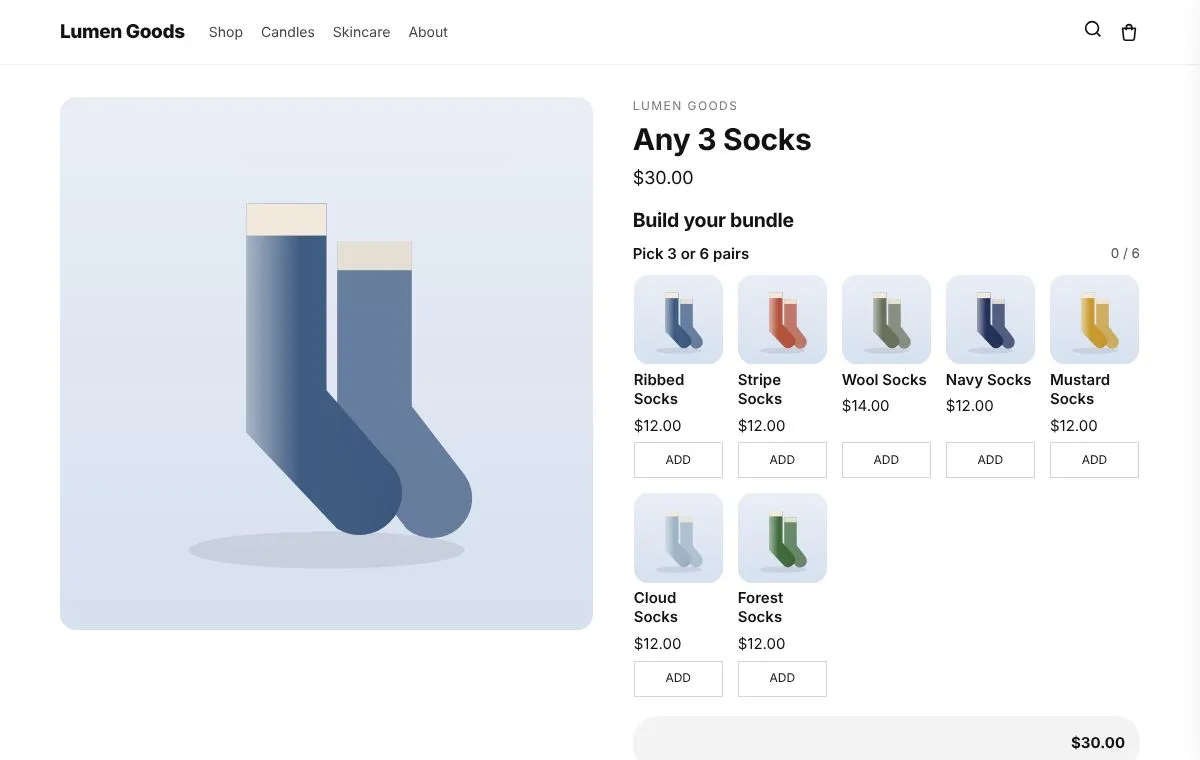
Any 3 for $30, any 6 for $55, picked from a long collection.
Examples from our demo store, one or two for each bundle type.
15% off together
Cedar Candle, Clay Mug, Oat Soap
$62 instead of $74
Candle, cream and soap in one box
Any 3 candles for $56
Picked from the candles collection
2 items 10% off, 3 items 15%, 4 items 20%
From the skincare collection
One price once full
Added from collection pages
Any 3 for $30, any 6 for $55
From a long collection
10% off together
Clay Mug and a bag of beans
$39 instead of $46
Pot, plant food and a mister
Six: frequently bought together, a kit sold as one product, a mix and match box, build your bundle and save more, build while browsing, and any N for one price.
Yes. Shopify prices the bundle at checkout, and in the cart the picked items merge into one bundle line at the bundle price.
Yes. At checkout the bundle is split into the items the shopper picked, so each item's stock goes down and the items appear on the order.
Every bundle type is on the Free plan, within its 3 offer slots. Paid plans have unlimited offers. See pricing.
No. For mix and match bundles the app can create and publish the bundle product, and the store page if you choose one.
CRO Toolbox is on its way to the Shopify App Store. The install button on this site will go straight to the listing the day it's live, with the Free plan and a 14 day trial on every paid plan.