Goal
Raise average order value on Shopify
Average order value grows when shoppers have a clear reason to add one more item. These are the CRO Toolbox features that give them one, in the order most stores set them up.
What to set up
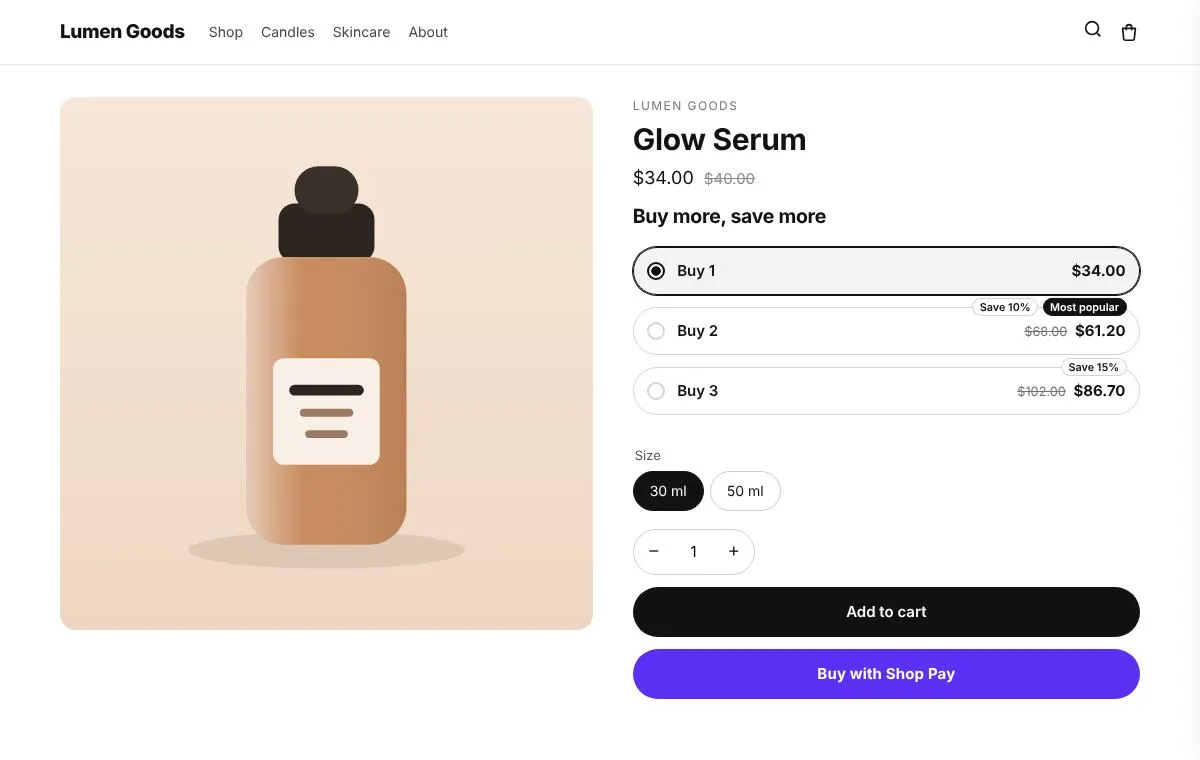
- 03
Free shipping bar
Set the goal a little above your typical order, so the bar shows a reachable next step.
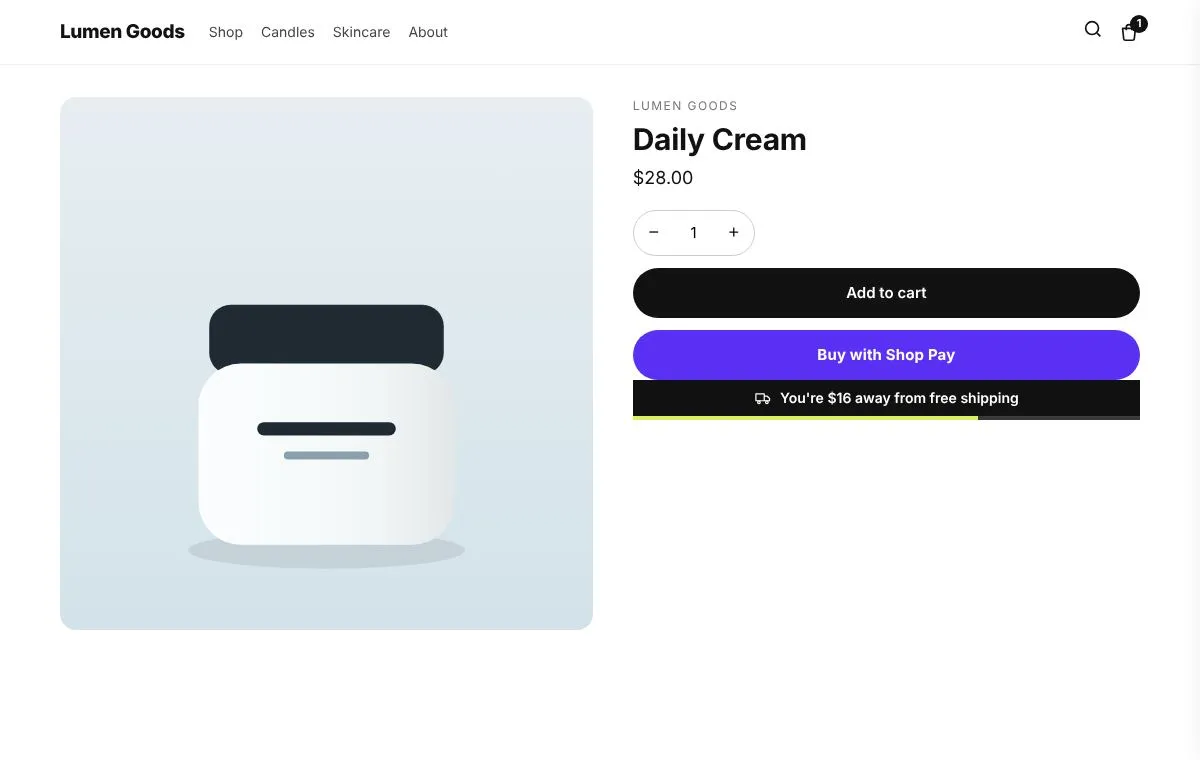
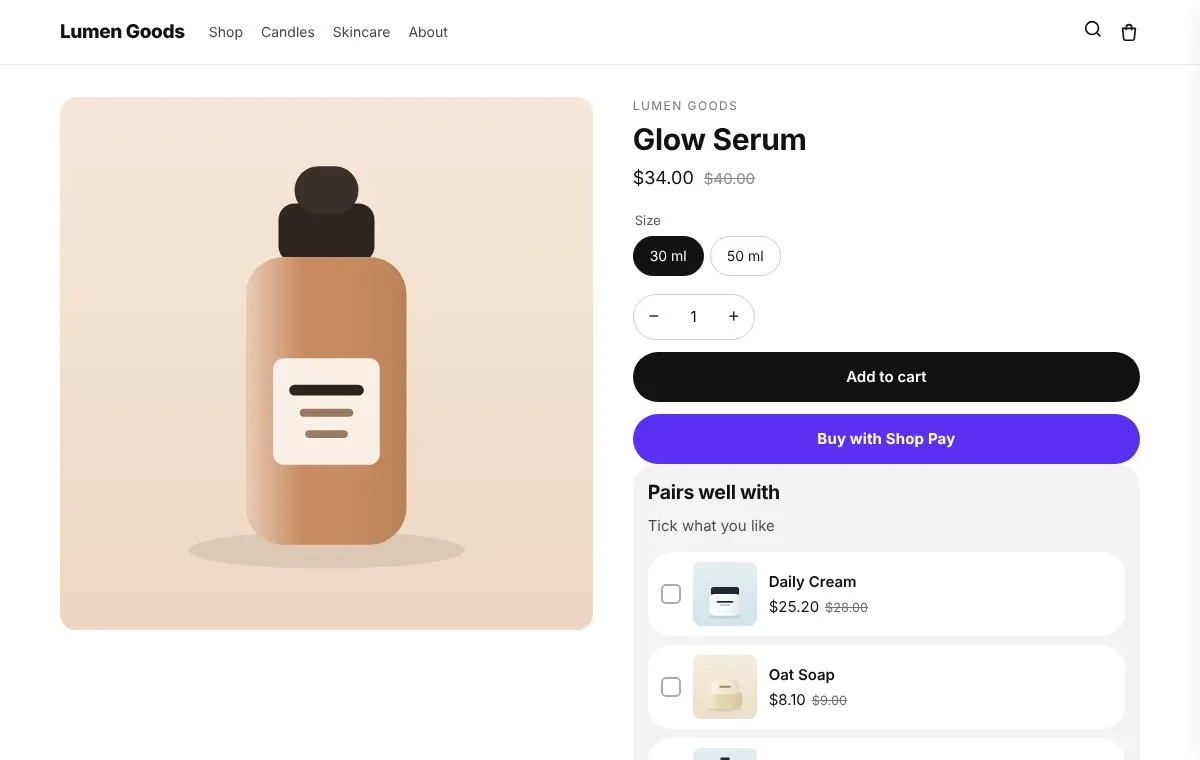
- 05
After purchase offer
One product at a discount right after payment, added without new card details.
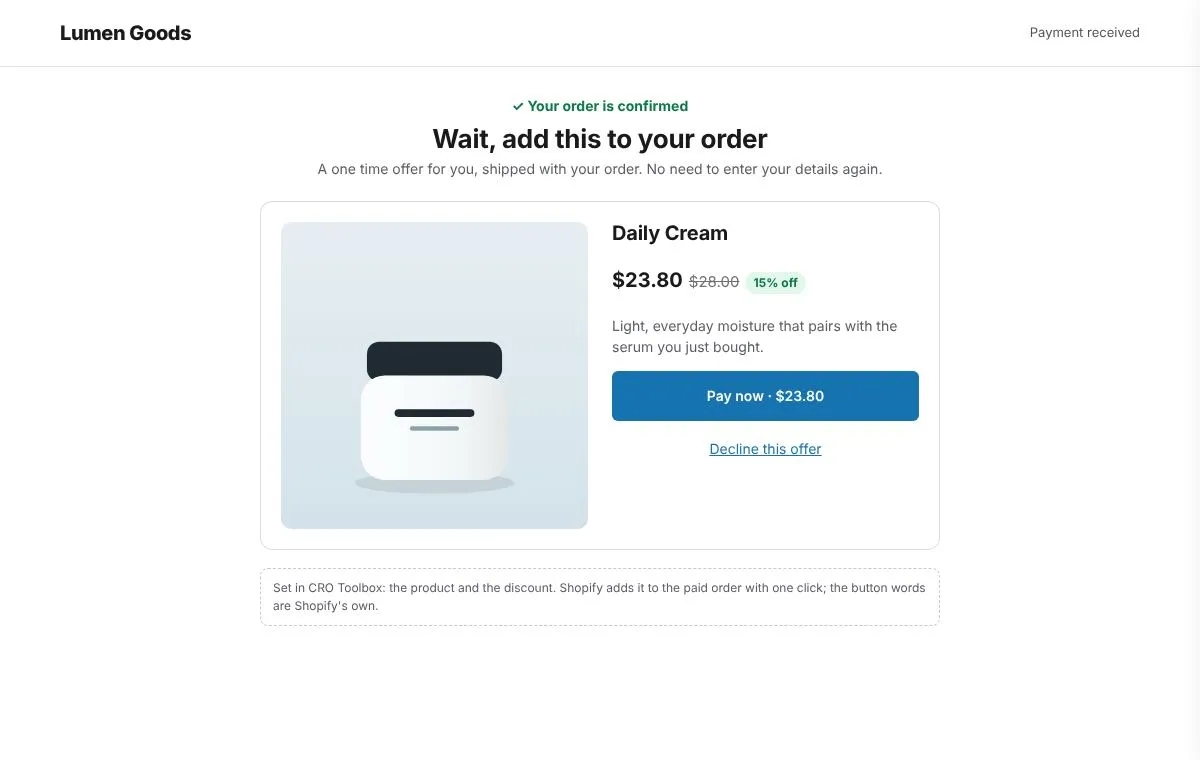
Start in three steps
- Install CRO Toolbox and turn on the app embed.
- Create a quantity break offer for your best seller.
- Add a frequently bought together bundle on two products that sell together.
- Set the free shipping goal and check a test order at checkout.
Coming soon to the Shopify App Store
Be first to install CRO Toolbox
CRO Toolbox is on its way to the Shopify App Store. The install button on this site will go straight to the listing the day it's live, with the Free plan and a 14 day trial on every paid plan.