Best Shopify bundle apps compared: how to choose
How to choose a Shopify bundle app: the questions that matter, and how CRO Toolbox, Simple Bundles, Bundler, Fast Bundle, Kaching and others differ.
The best Shopify bundle app is the one that supports the bundles you actually sell, prices them correctly at checkout, keeps your stock right and costs a sensible amount for your order volume. We make CRO Toolbox, so read this as a guide to the questions to ask, with links to side by side comparisons that cite their sources.
What should a bundle app do?
At minimum:
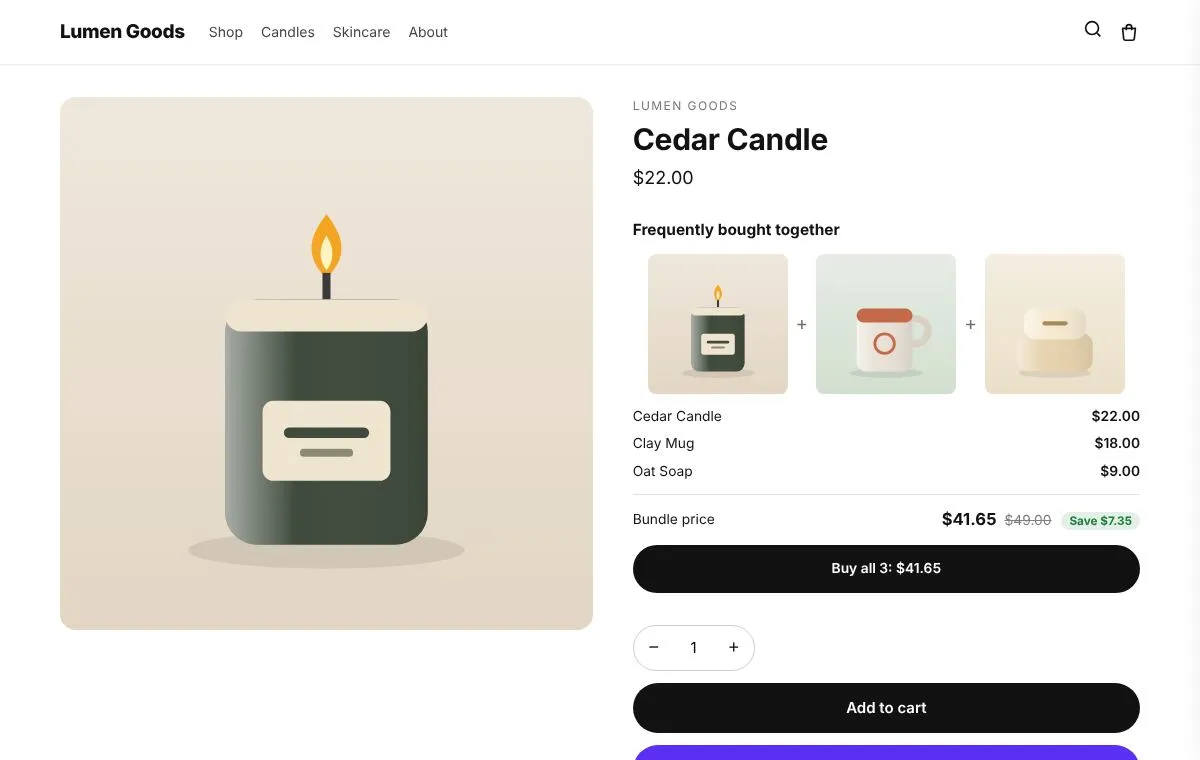
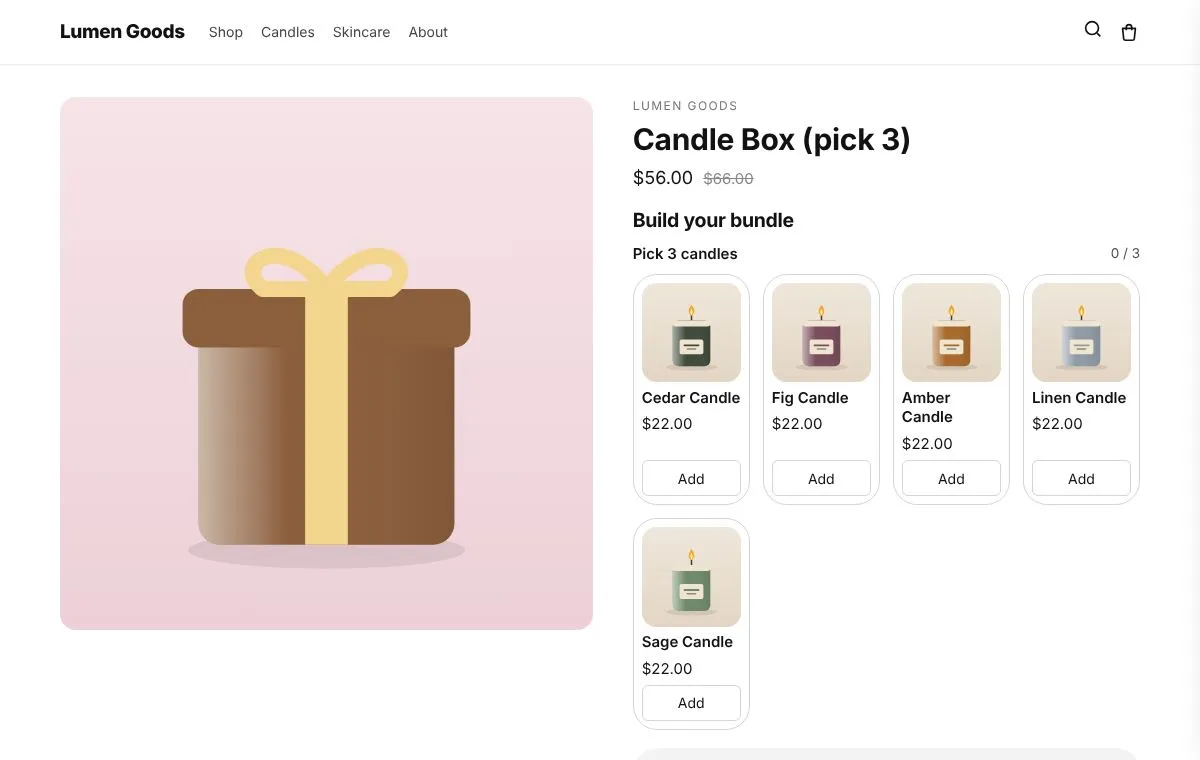
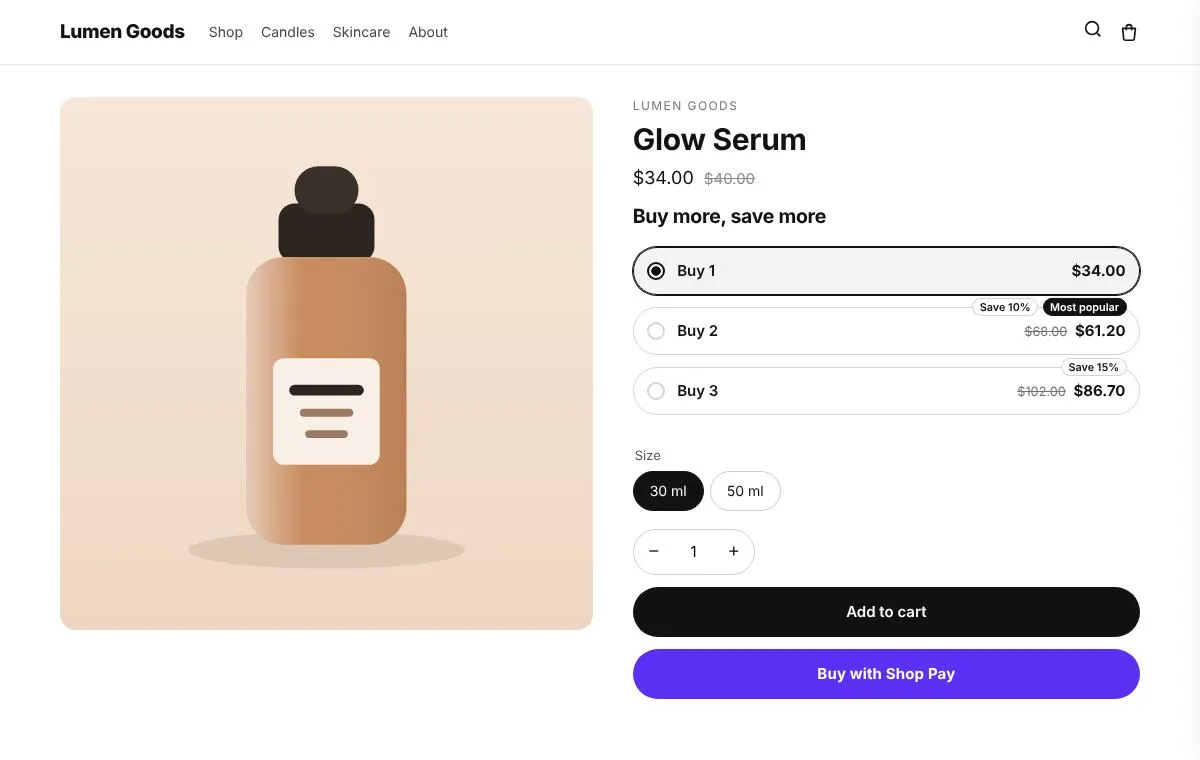
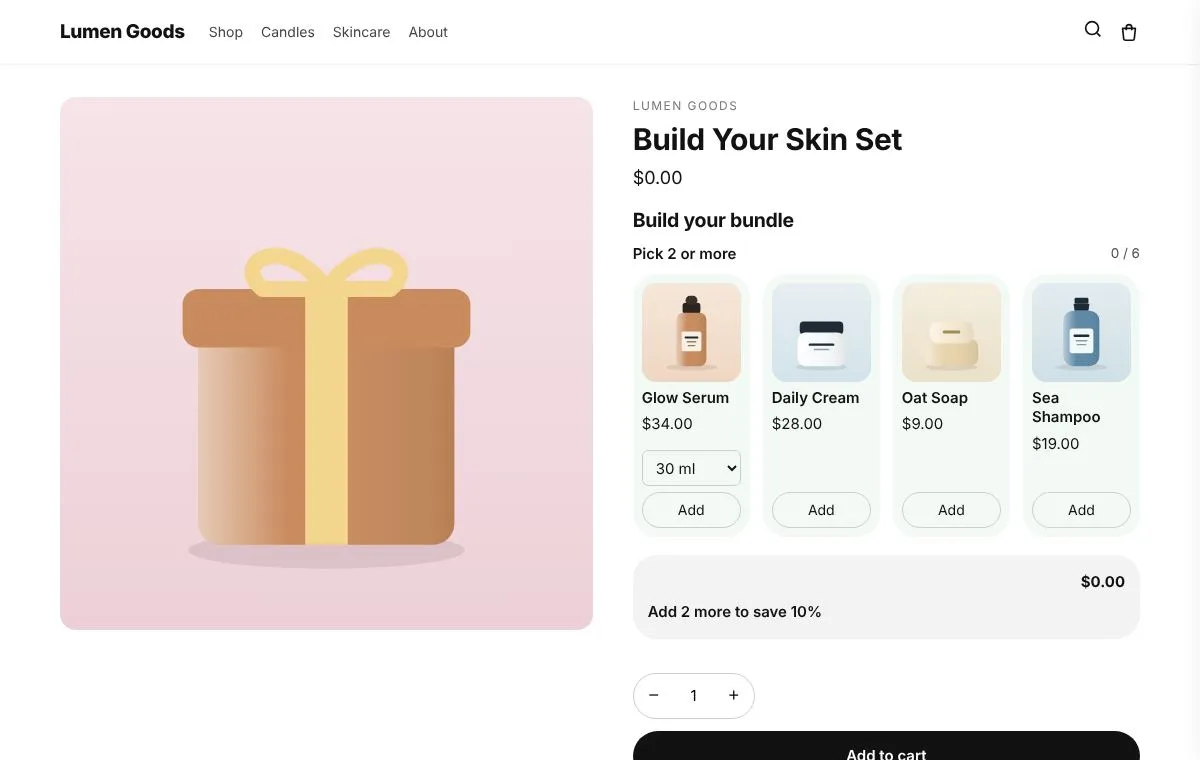
- The bundle types you need. Fixed sets, kits sold as one product, mix and match boxes, tiered or growing discounts, any N for one price.
- The right price at checkout. The price on the page must be the price the shopper pays.
- Stock for each item. When a bundle sells, each item’s stock should go down.
- A builder that fits your theme. Ideally without editing theme code.
Questions to ask before you install
- Which bundle types does it support? Many apps do one or two well.
- How is pricing billed? By plan, by orders, by bundle revenue or by usage. Usage based pricing can grow quickly as you sell more.
- What happens over a limit? Some apps stop showing bundles above a cap; others only remind you.
- Does the bundle split into items at checkout? That’s what keeps stock and fulfilment right.
- Does any part need Shopify Plus? Ask before you plan a feature around it.
How do the apps differ?
We compared CRO Toolbox with eight apps. Each comparison lists only facts with a source and the date we checked; anything we couldn’t confirm says “Not checked”. Prices change often, so always confirm on the app’s listing.
- CRO Toolbox vs Simple Bundles: bundles and kits with inventory synced to the items.
- CRO Toolbox vs Bundler: product bundles and discounts.
- CRO Toolbox vs Fast Bundle: product bundles, priced by bundle sales.
- CRO Toolbox vs Kaching Bundles: bundles and upsells.
- CRO Toolbox vs BOGOS: free gifts and buy X get Y.
- CRO Toolbox vs Rebuy: personalized upsells and cross sells.
- CRO Toolbox vs Vitals: many storefront tools in one app.
- CRO Toolbox vs Section Store: theme sections.
Where does CRO Toolbox fit?
CRO Toolbox has all six bundle types (Frequently bought together, kits, mix and match boxes, growing discounts, build while browsing, any N for one price), plus quantity breaks, cross sells, discounts, a cart drawer, storefront sections and checkout rules in one app. Bundles split into their items at checkout, so each item’s stock goes down.
Pricing is by plan: a Free plan with three offers on at once and up to 50 orders a month, then Starter, Growth and Pro. The orders limit is soft: going over shows a reminder and nothing switches off. See pricing.
When is another app the better choice?
- You only need one bundle type and like that app’s plans.
- You need something CRO Toolbox doesn’t do today.
- You already use an app that works well for your store; switching has a cost.
The short version
List the bundles you want to sell, check each app supports them and prices them at checkout, compare what you’d pay at your order volume, and test with a real order before you launch.